Testing an agent
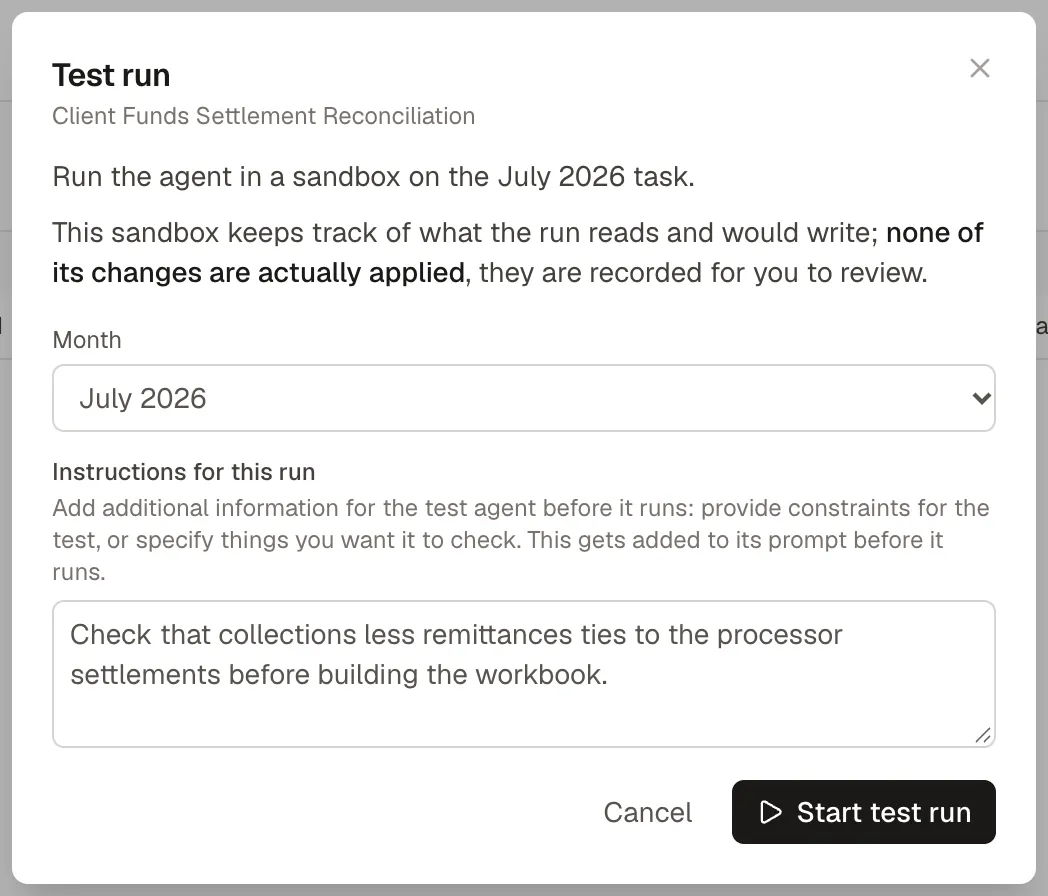
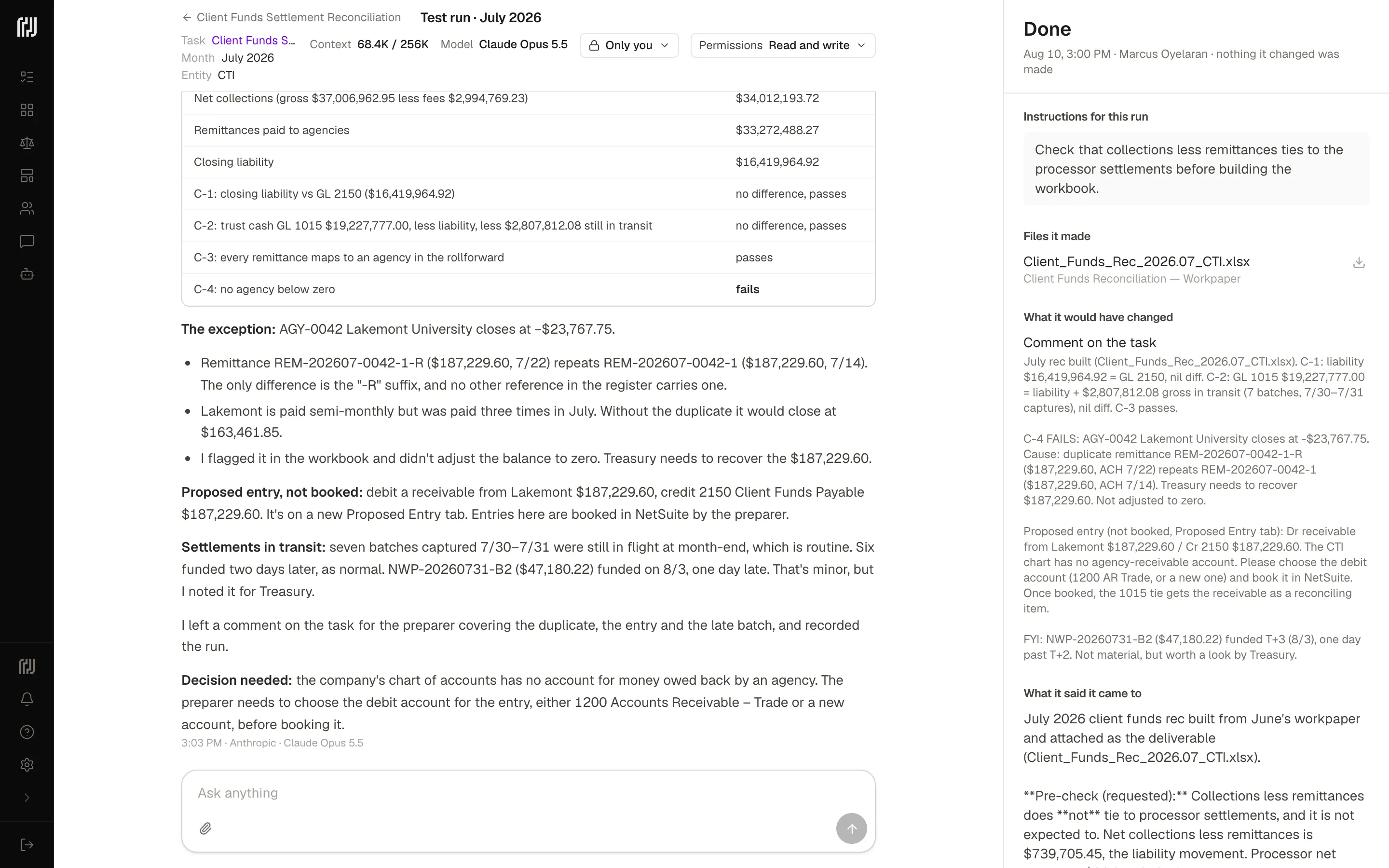
A test run does an agent’s work in a sandbox. It works the same task with the same instructions as a real run, but none of its changes are made. The files it would attach, the comments it would leave, and the entries and status changes it would make are recorded for you to review.
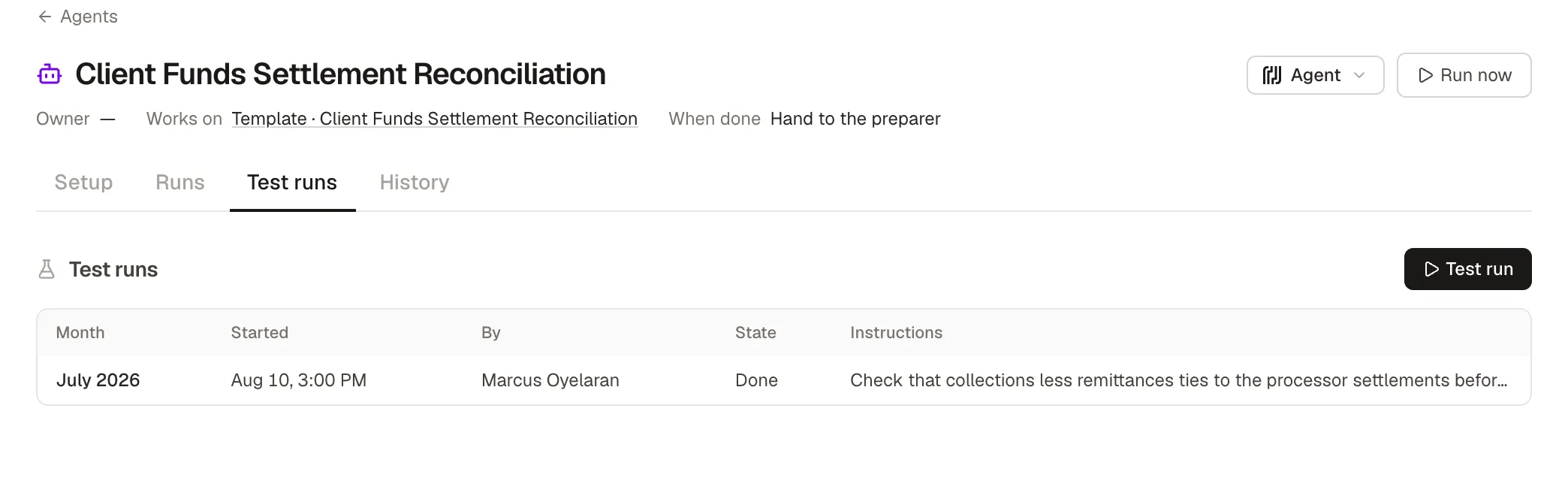
To start one, open the agent’s page, go to Test runs, and click Test run. Choose who the run acts as, the month to run it for, and any Instructions for this run, such as limits on the test or things you want it to check. The month can be open or closed. A closed month is a good test, because you already know what was handed in.
Each test run has its own page. It shows the chat, the files the run made, what it would have changed, and what it read.
If the run got something wrong, write what it was and click Propose changes. A chat on the agent reads the run and suggests changes to its instructions or files, asking you before each one. Then run the test again.
A reconciliation agent is tested on that month’s reconciliation. A general agent is tested with no month.
A test run uses one of the places your company’s runs share. If they are all
in use, start the test once a run finishes. Starting a test run needs
permission to change the agent. From your own Claude, run_start with test
starts a test run and run_get reads it. See
Claude and ChatGPT.