Rolling over tasks
Rolling over creates a period and copies the previous period’s tasks into it. It needs permission to plan a close.
1. Choose the period
Section titled “1. Choose the period”On the Close page, click the period name → Roll tasks forward. Closing a period opens the roll-over into the next period, with the closed entities selected. Choose the month to create; tasks are copied from the period before it.
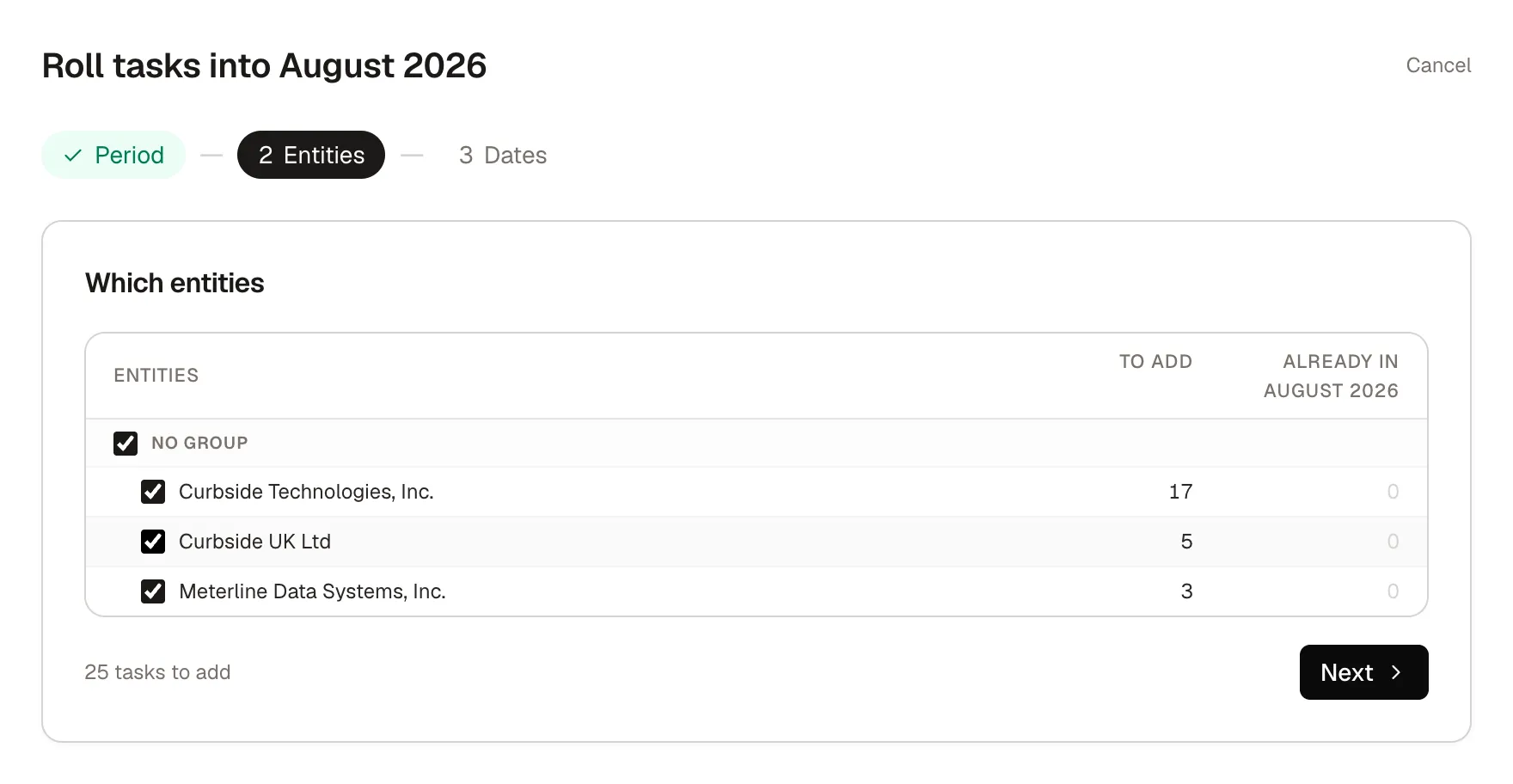
2. Choose the entities
Section titled “2. Choose the entities”With more than one entity, select the entities to roll forward. Each shows how many tasks will be added and how many are already in the period.
3. Check the due dates
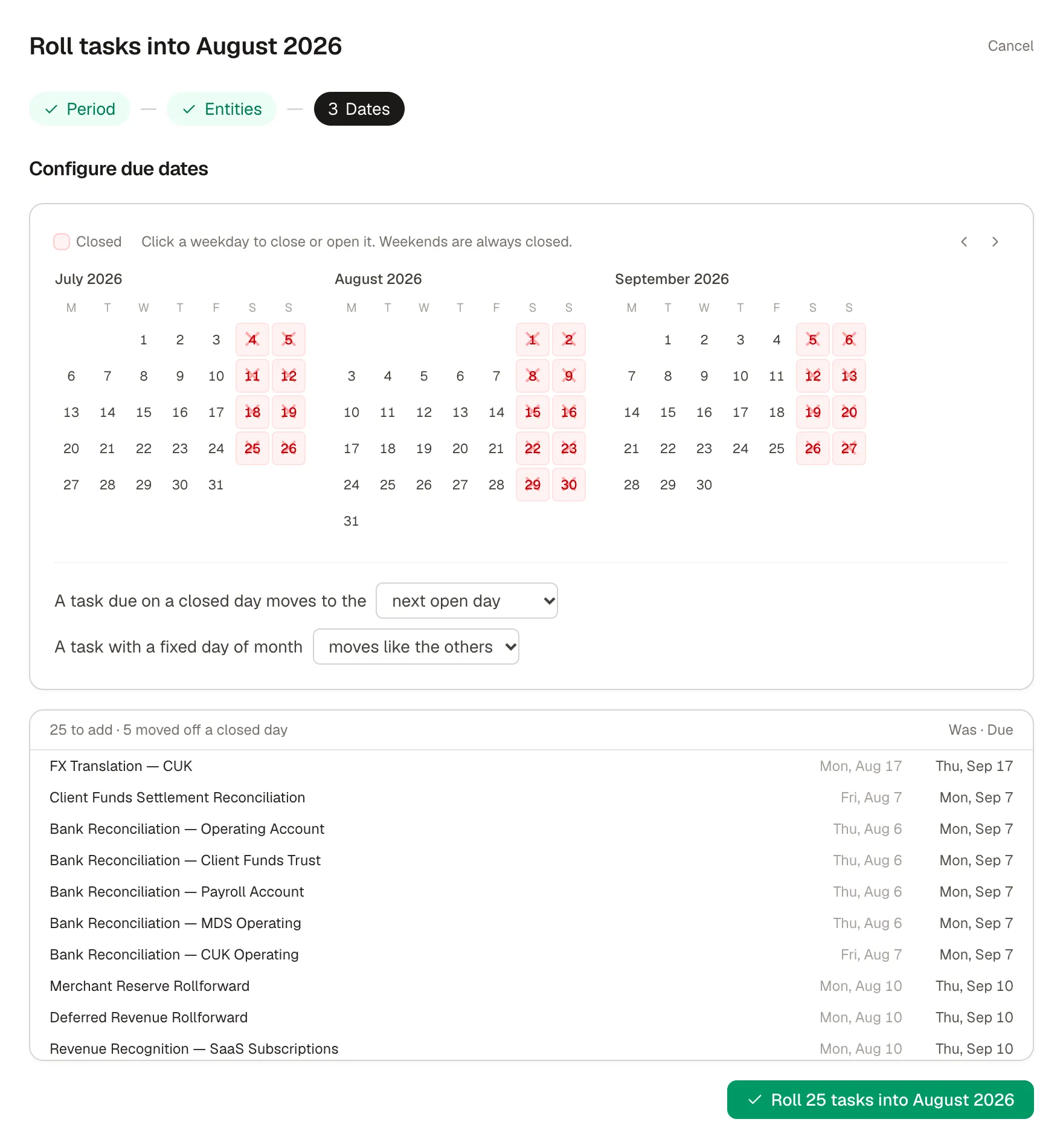
Section titled “3. Check the due dates”Each task gets a new due date: from its due-date rule if it has one, otherwise last month’s date moved forward a month. A date that lands on a closed day moves to the next or previous open day, as your organization has set.
- Click a weekday in the calendar to close or open it, for a holiday. Weekends are always closed.
- The list shows each task’s old and new date.
4. Roll the tasks
Section titled “4. Roll the tasks”Click Roll N tasks into period. Nothing is created until then.
The new period starts in Setup. Each copied task keeps its people, type, section and entities, and starts as Not Started — except a task outside its frequency, and a task someone marked N/A last period, which start as N/A. Check N/A tasks before opening the period.
Open the period for work from the stage control; see Managing periods.