Task
A task is one piece of close work in one period, such as a reconciliation, an accrual or an upload. A recurring task has its own copy, with its own files and history, in each period.
People and dates
Section titled “People and dates”| Field | Meaning |
|---|---|
| Preparers | Do the work. Any one of them can act. |
| Reviewers | Approve or return the work. Any one of them can act. |
| Second reviewers | Optional; approve after the first reviewer. |
| Preparer Due | When preparation is due. |
| Reviewer Due | When review is due. |
Type and review
Section titled “Type and review”| Task | Steps |
|---|---|
| Reviewed unticked | Prepare, then done. No review. |
| JE Creation | Prepare, review, then book the journal entry and have it signed off. Always reviewed. |
| All others | Prepare, then review. |
Naming a second reviewer adds a second review.
Whether a task is reviewed is set by Reviewed on its template, and applies to the template’s open tasks. A task with no template has its own Reviewed box, under Type on its Configuration tab. Untick it for work that is reviewed on its reconciliation instead, such as a roll-forward that only builds the reconciliation’s support.
Status
Section titled “Status”| Status | Meaning | Who acts next |
|---|---|---|
| Not Started | Not begun. | Preparer |
| In Progress | Being prepared. | Preparer |
| In Review | Submitted to the reviewer. | Reviewer |
| Needs Changes | Returned with a comment. | Preparer |
| Second Review | Approved by the first reviewer. | Second reviewer |
| Ready for JE | Approved; the journal entry isn’t booked. | Preparer |
| JE In Progress | The entry is being booked. | Preparer |
| JE Review | The entry is booked, awaiting sign-off. | Whoever gave final approval (the second reviewer, if there is one) |
| Done | Complete. | — |
| Blocked | Set by hand, with what it is waiting on. | Preparer |
| N/A | Not needed this month. Set while the month is in Setup; once the close has started, with Override status…, or the task is archived. | — |
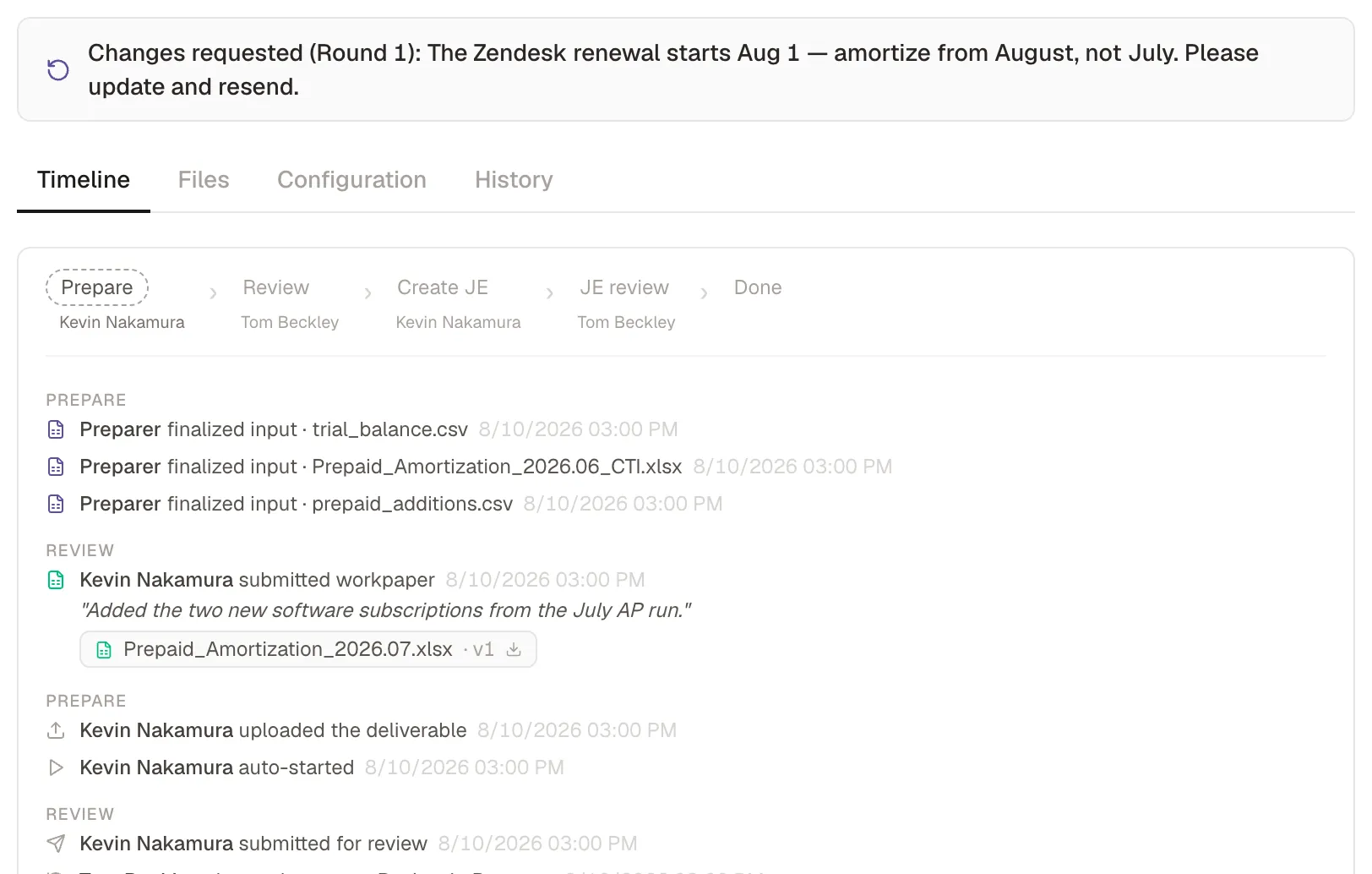
The strip at the top of the Timeline shows the stages a task goes through, who owns each, and where it is.
Blocked
Section titled “Blocked”With the Prepare tasks permission, mark a task Blocked from Not Started or In Progress, with what it is waiting on. With Override status, Override status… blocks it from any other status but Done. Unblock returns it to Not Started if it was blocked from there, and to In Progress otherwise. A task blocked from Not Started is edited as a Not Started task is: its configuration saves as you change it, and moving a due date needs no reason.
Deliverable and source files
Section titled “Deliverable and source files”The deliverable is the finished work the reviewer signs off; source files are what it was prepared from. Files that recur every month are file templates: each has its own row, and a task can’t be submitted until each document it produces is attached.
Dependencies
Section titled “Dependencies”A task can wait on other tasks. Until each is Done or N/A, the task page shows Waiting on with the unfinished tasks, and the task’s status doesn’t change. This is different from the Blocked status, which someone sets by hand.
To add one, pick the task under Depends on in the task’s Configuration tab (on a task under way, click Unlock to edit first), or click the task’s Dependencies cell in the list. This takes the Change task type and dependencies permission.